Creative Templates / Precise Replication of Complex Effects

Not only can it generate images and write stories, but Seedance 2.0 also supports “mimicking”—creative transitions, commercial cuts, movie clips, and complex editing. As long as you have reference images or videos, the model can recognize action rhythms, camera language, and visual structures, replicating them accurately. It doesn’t matter if you don’t know professional terminology; just clearly write what part you want to reference, such as “Reference the rhythm and camera movement of @Video1, and the character styling of @Image1”, and the model can generate a high-quality version of yours. Be bold and try! It really can do it.

Case 1

Source Assets

Asset 1
IMG
Asset 2
IMG
Asset 3
IMG
Asset 4
IMG
VID

Generation Prompt

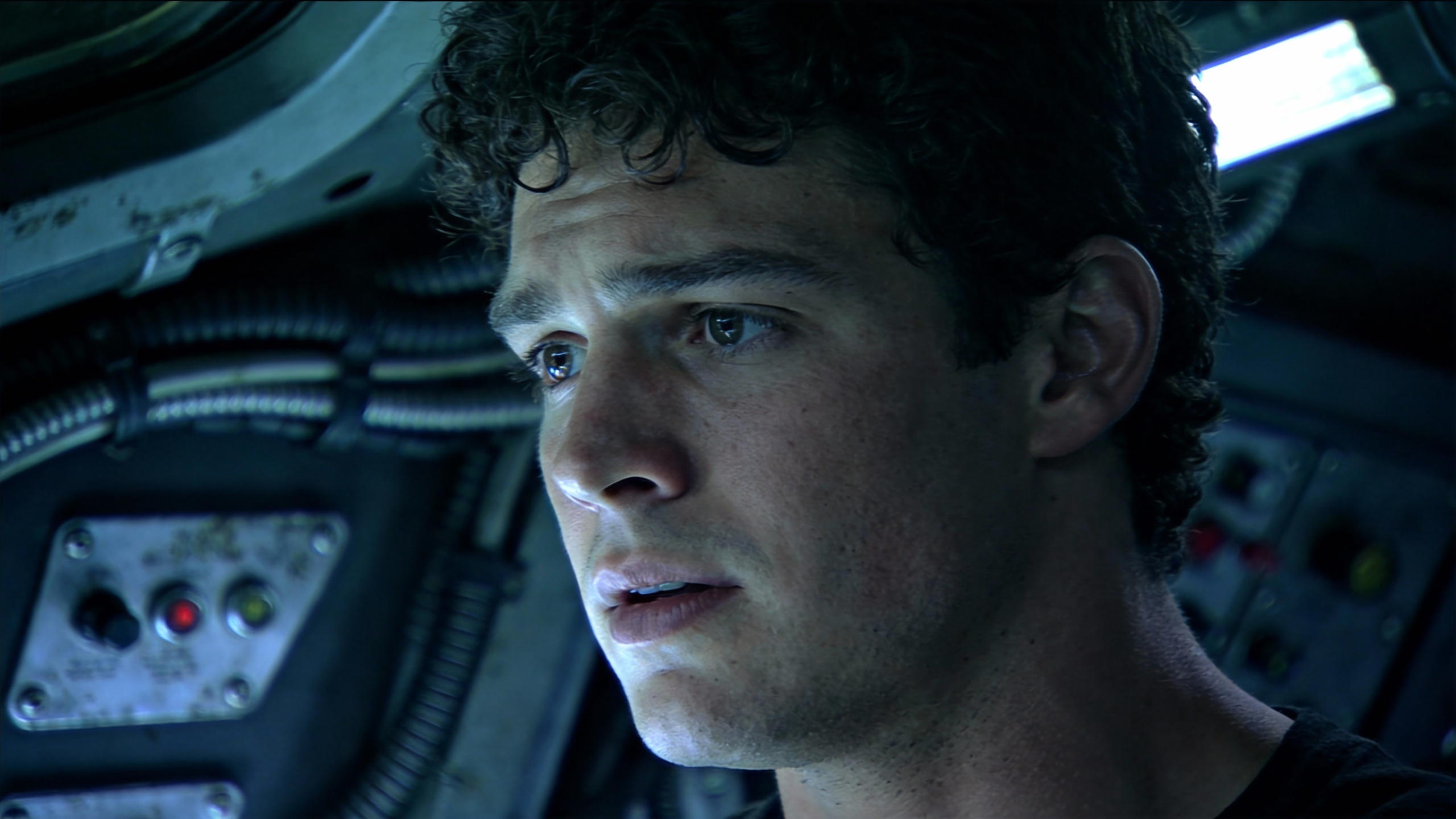
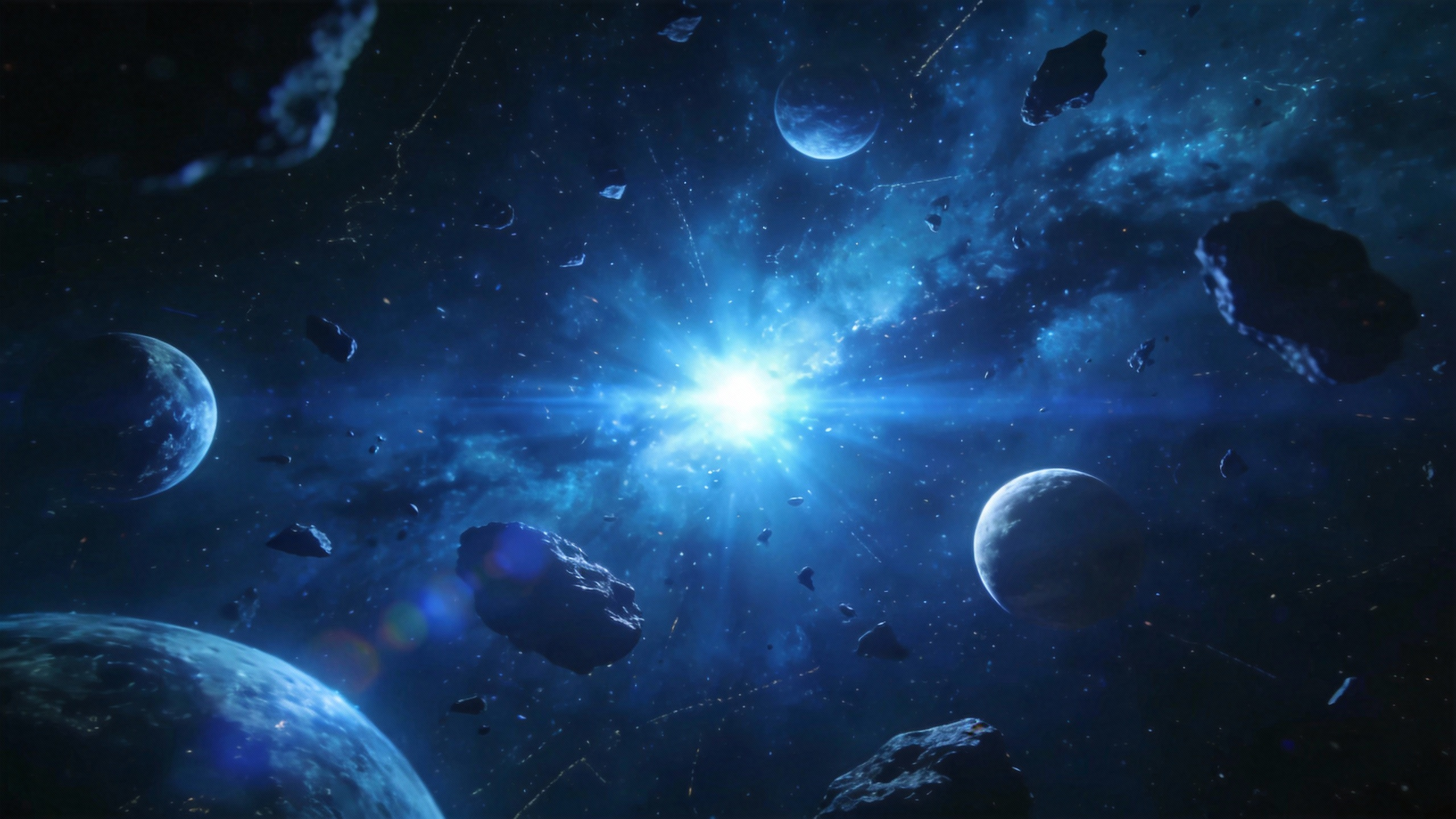
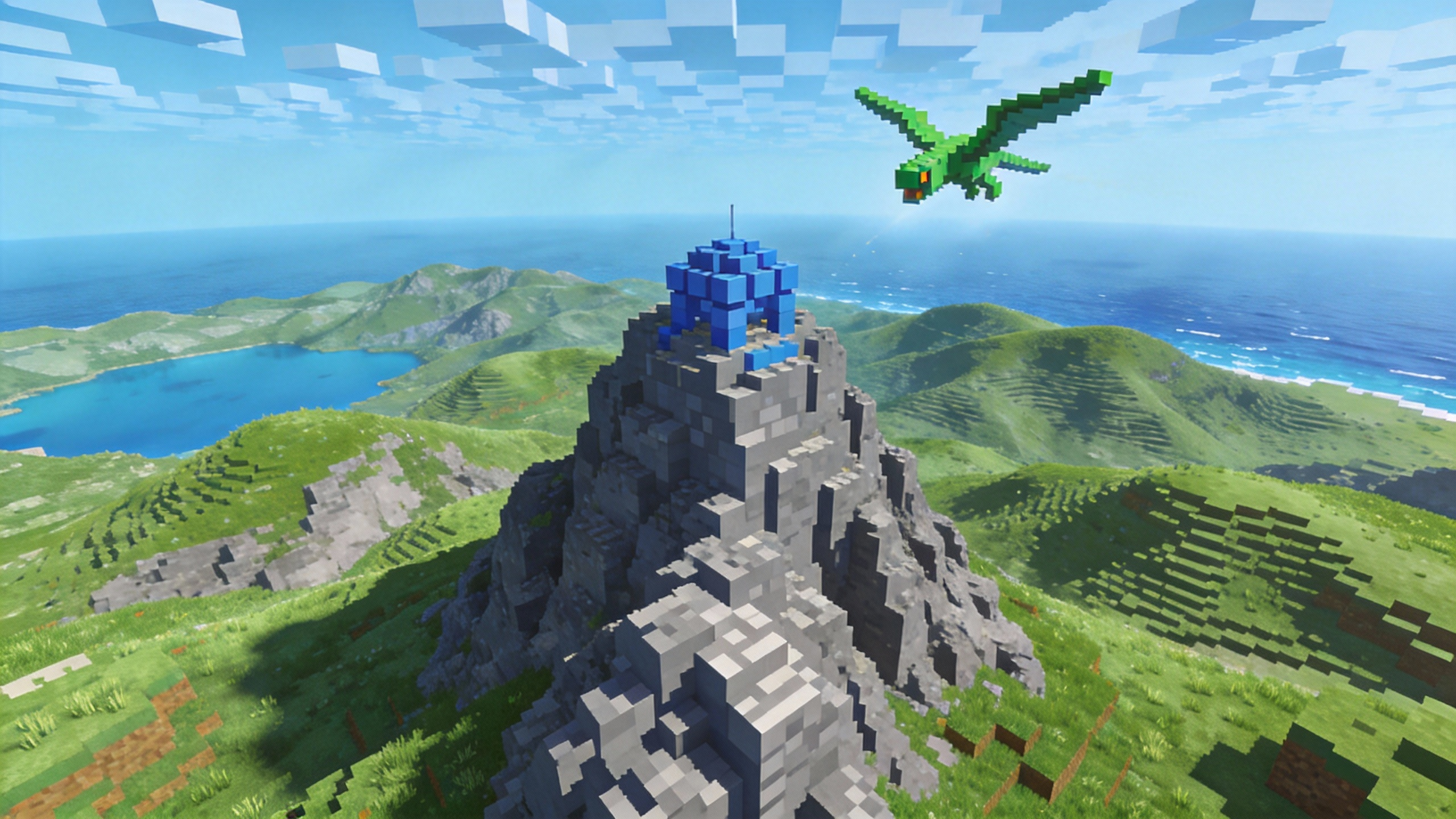
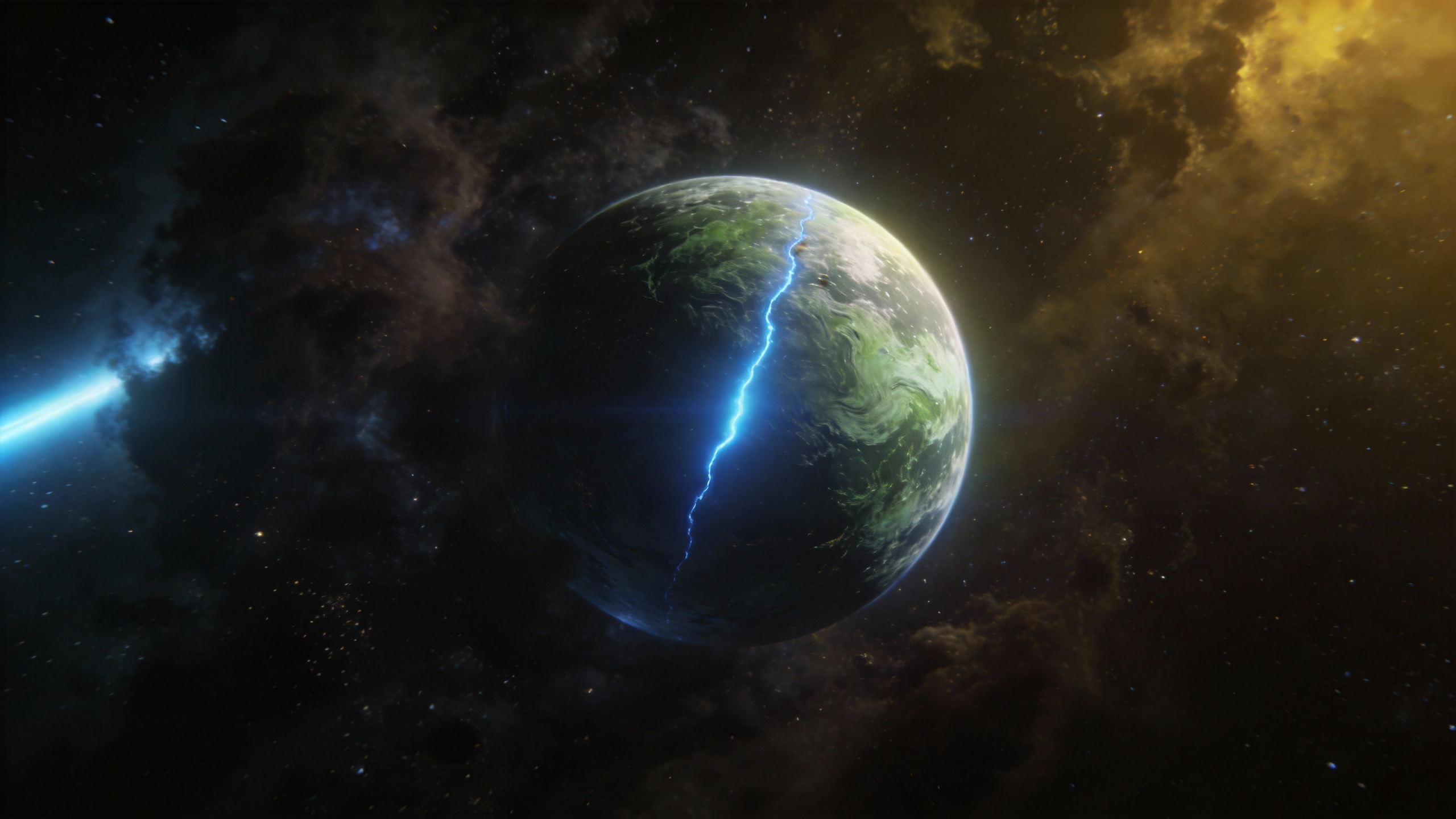
Replace the character in @Video1 with @Image1, @Image1 is the first frame. The character puts on virtual sci-fi glasses, referencing the camera movement of @Video1, and the close surround shots, changing from a third-person perspective to the character's subjective perspective. Shuttling through the AI virtual glasses, arriving at the deep blue universe of @Image2, several spaceships shuttling towards the distance. The camera follows the spaceships shuttling to the pixel world of @Image3, the camera flies low over the pixel forest world, where trees appear in a growing form. Subsequently, the perspective shoots upwards, shuttling rapidly to the light green textured planet of @Image4, the camera shuttles and skims over the surface of the planet.

Output Result

Ready

Case 2

Source Assets

Asset 1
IMG
Asset 2
IMG
Asset 3
IMG
Asset 4
IMG
Asset 5
IMG
Asset 6
IMG
VID

Generation Prompt

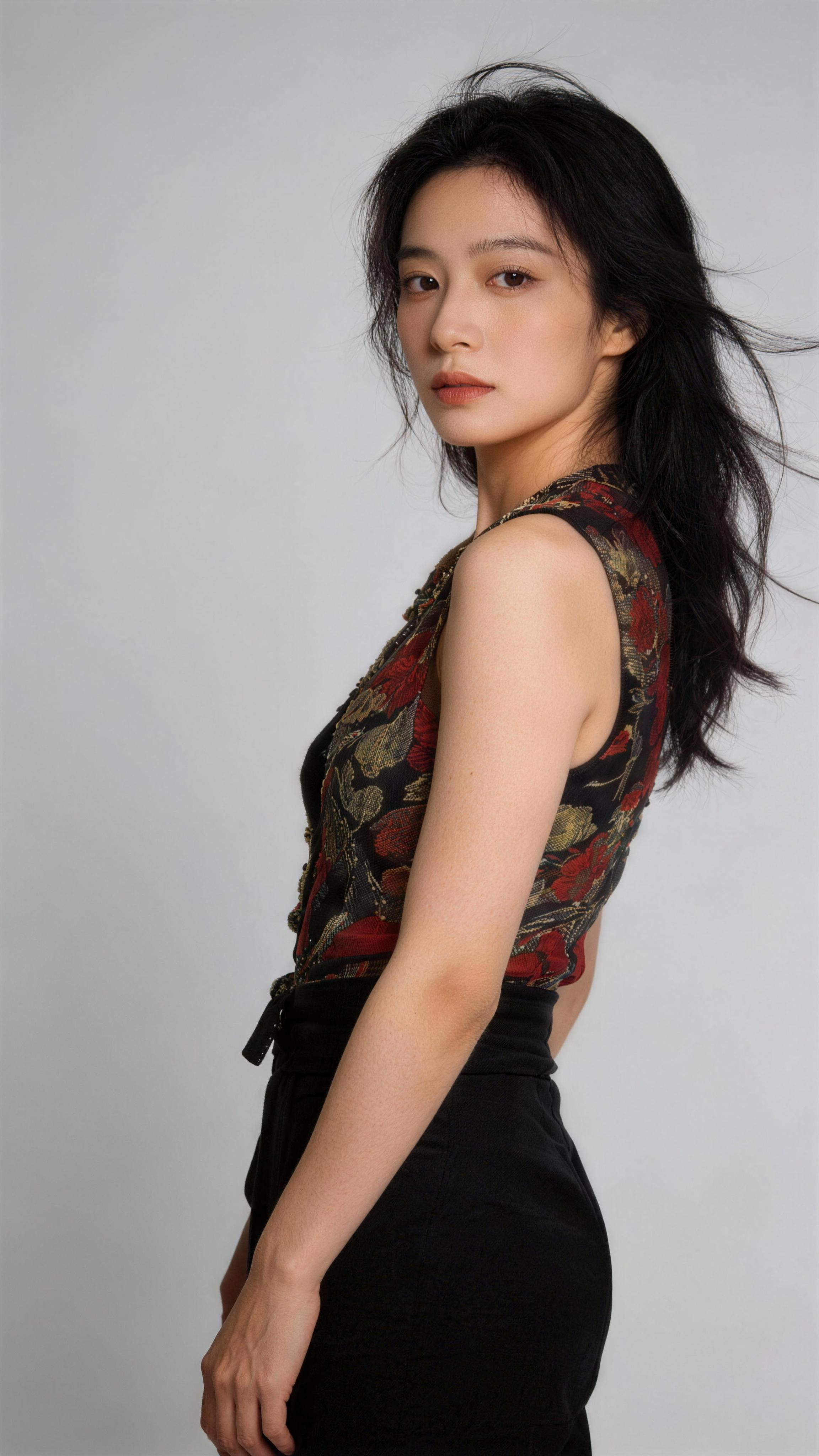
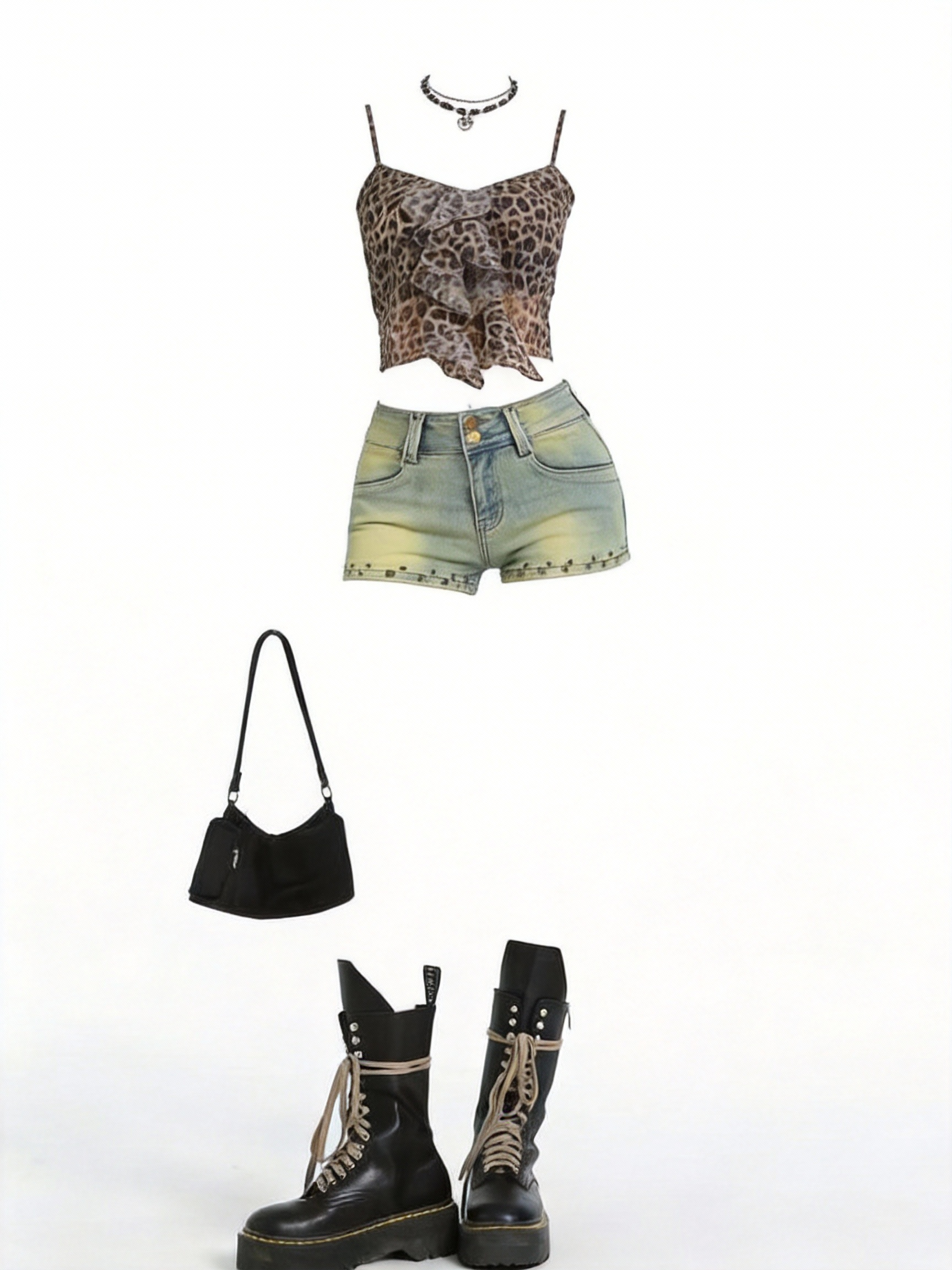
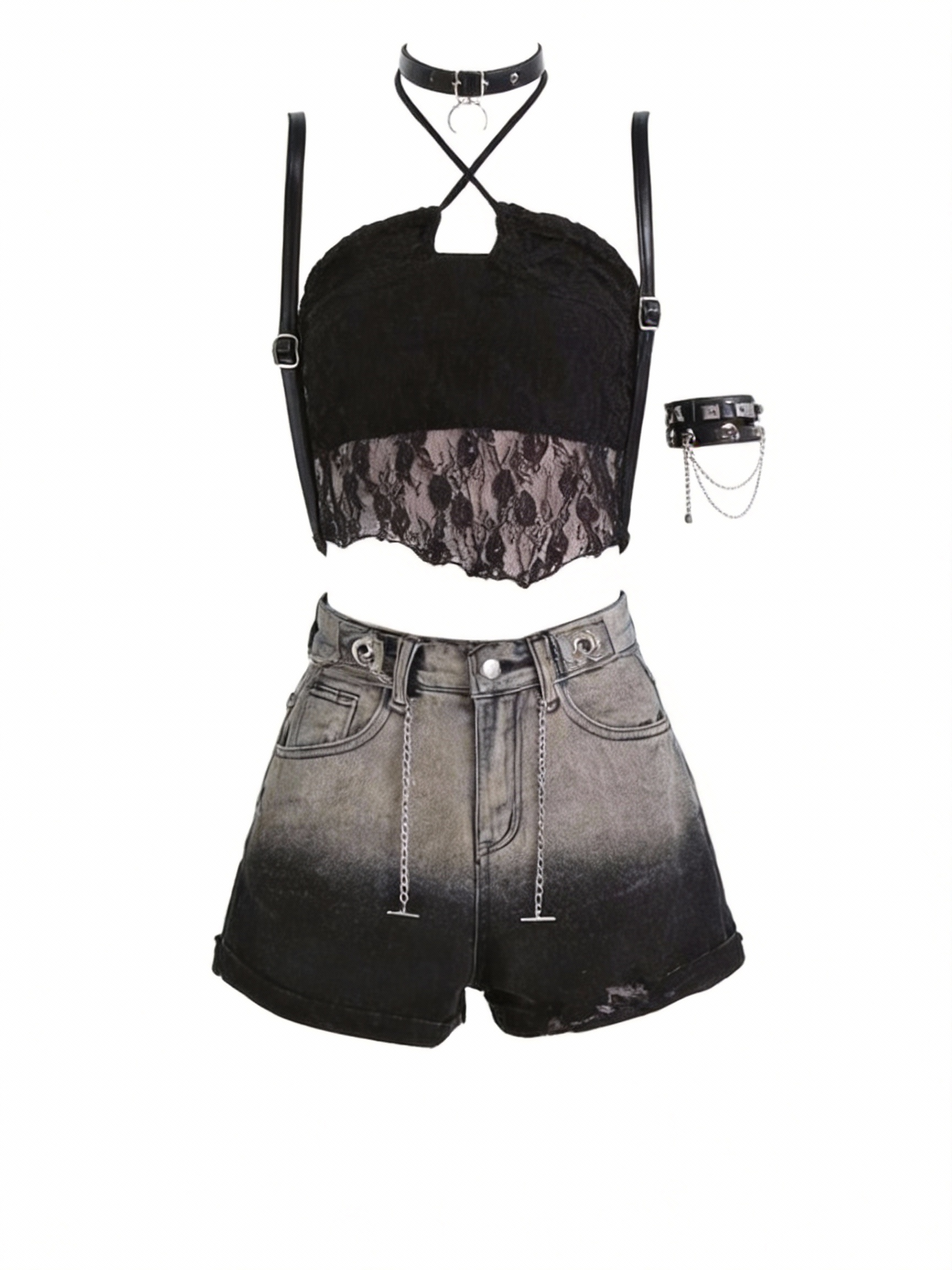
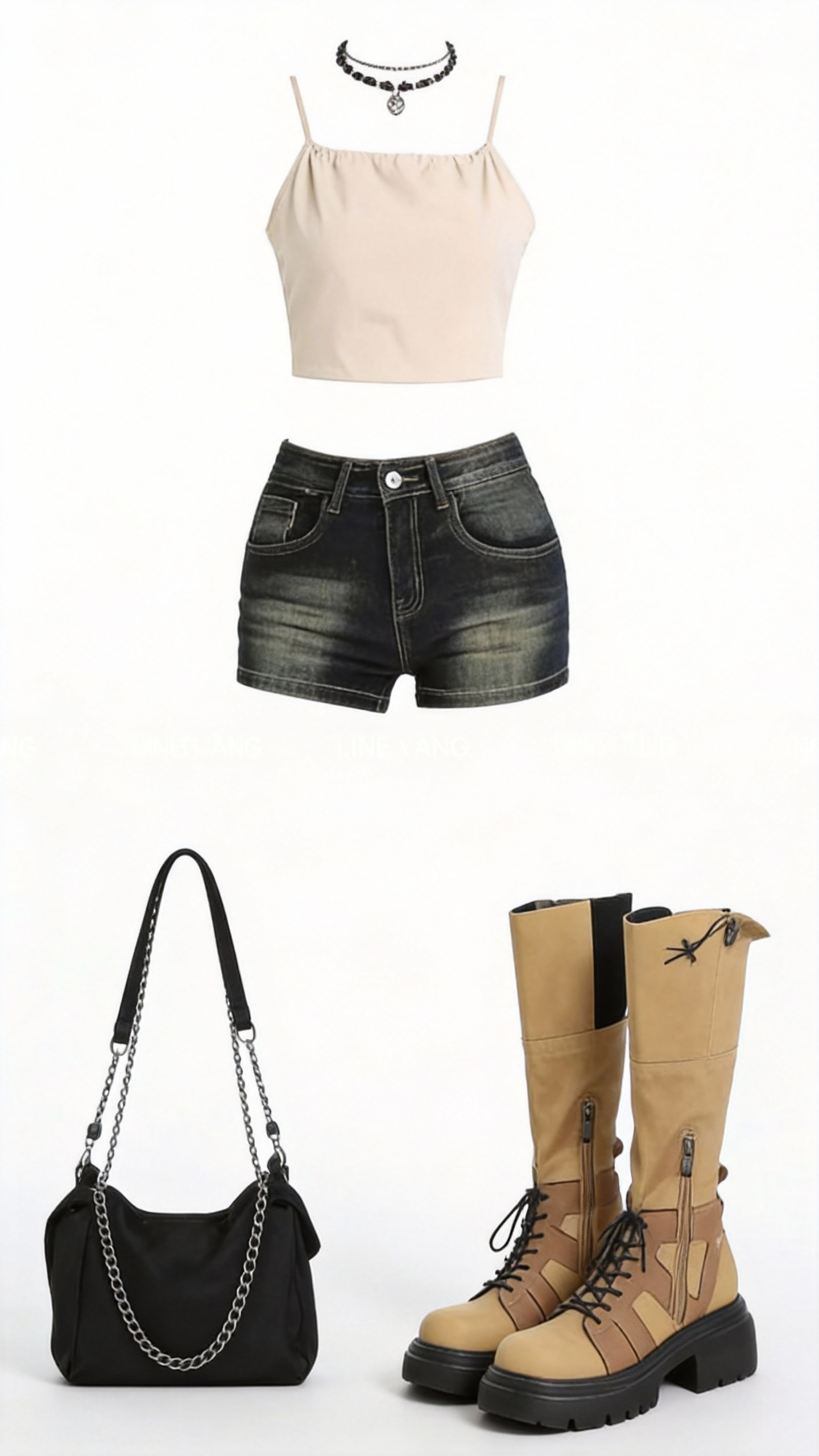
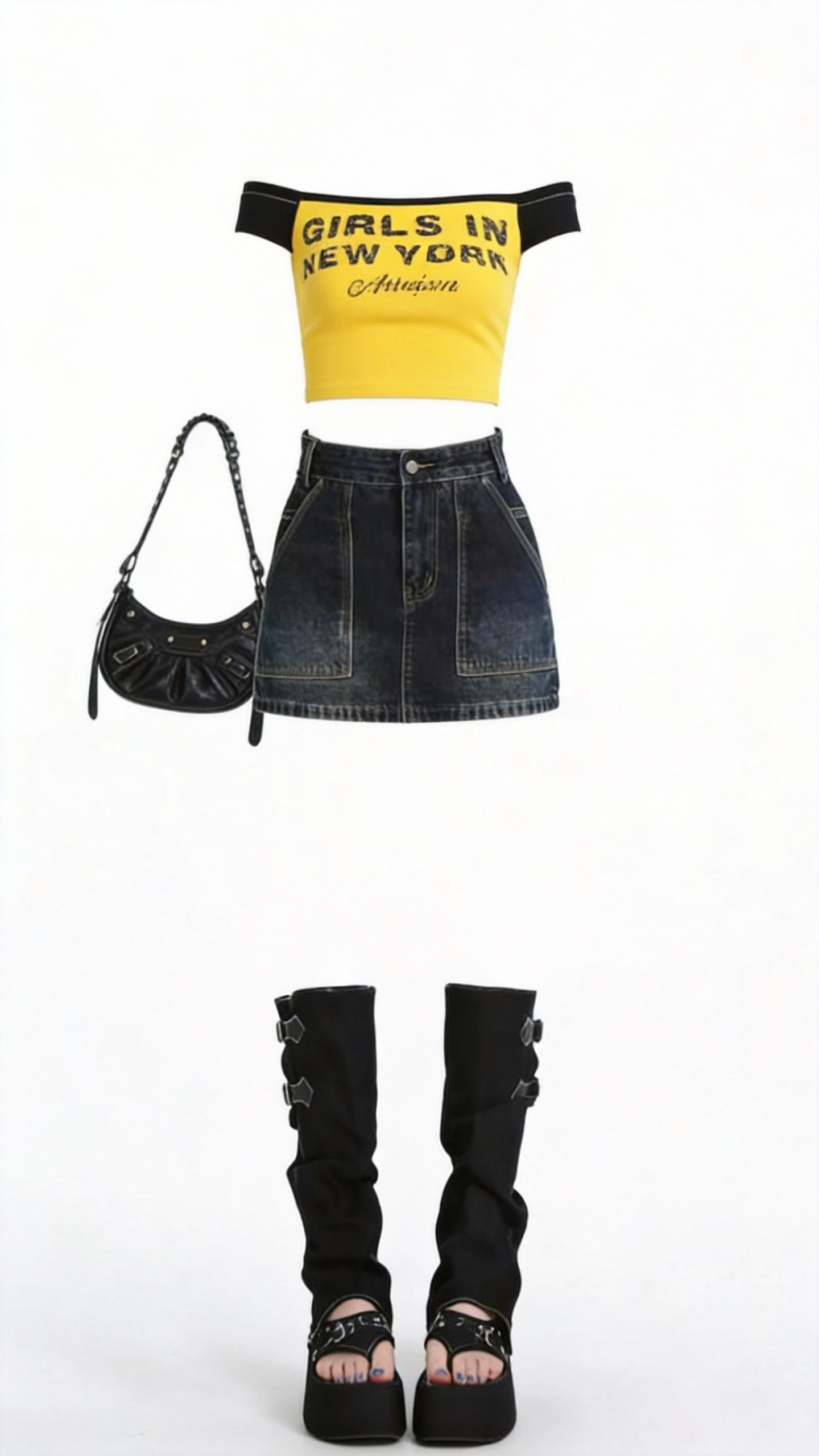
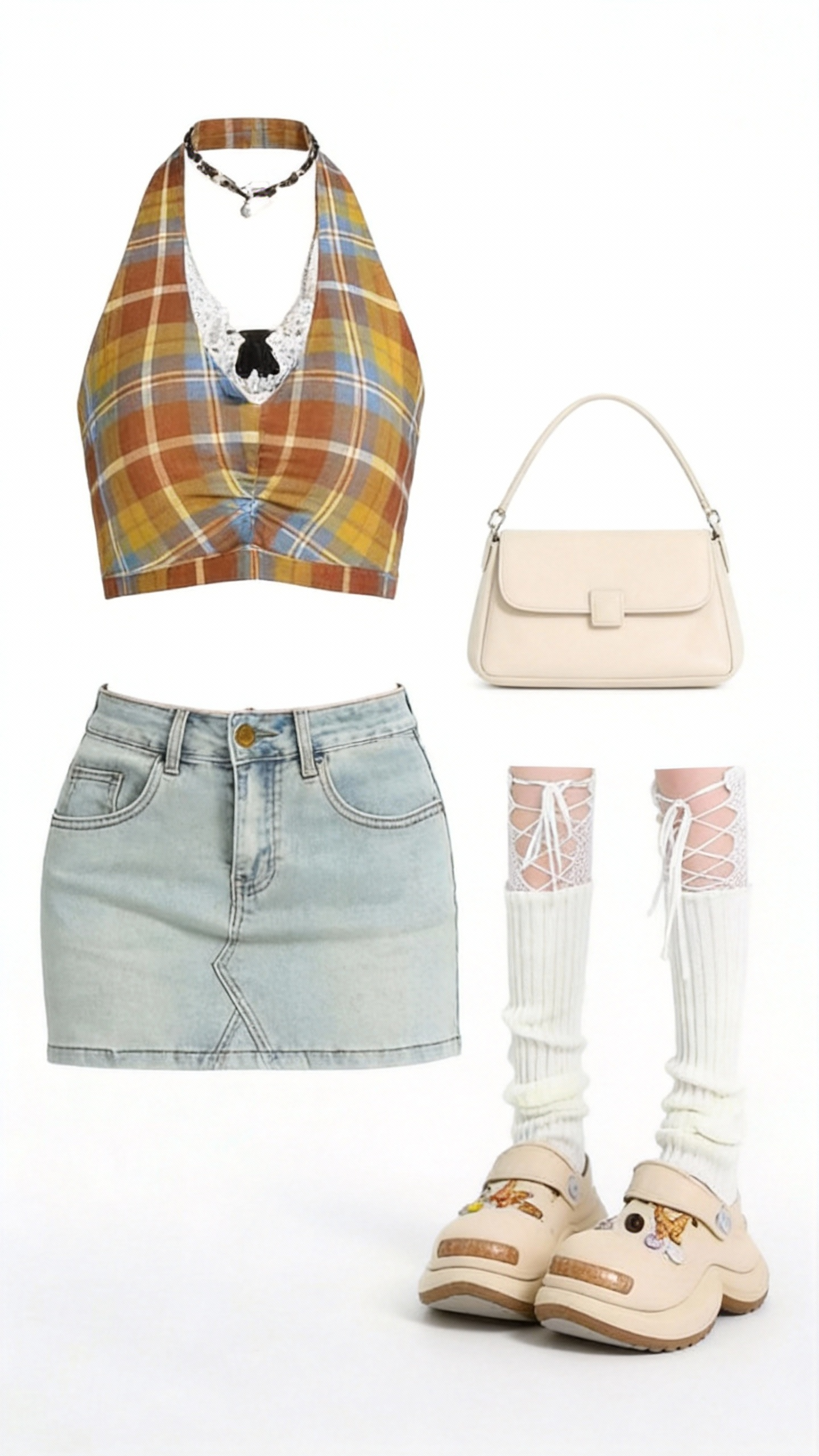
Reference the facial features of the model in the first image. The model wears the clothes from reference images 2-6 and gets close to the camera, making mischievous, cool, cute, surprised, and acting-cool poses. Each pose is in different clothing. Every time there is a change, the screen is accompanied by a camera cut, referencing the fisheye lens effect and the overlapping flashing phantom visual effect in the video. Reference the effect of @Video1.

Output Result

Ready

Case 3

Source Assets

Asset 1
IMG
Asset 2
IMG
Asset 3
IMG
VID

Generation Prompt

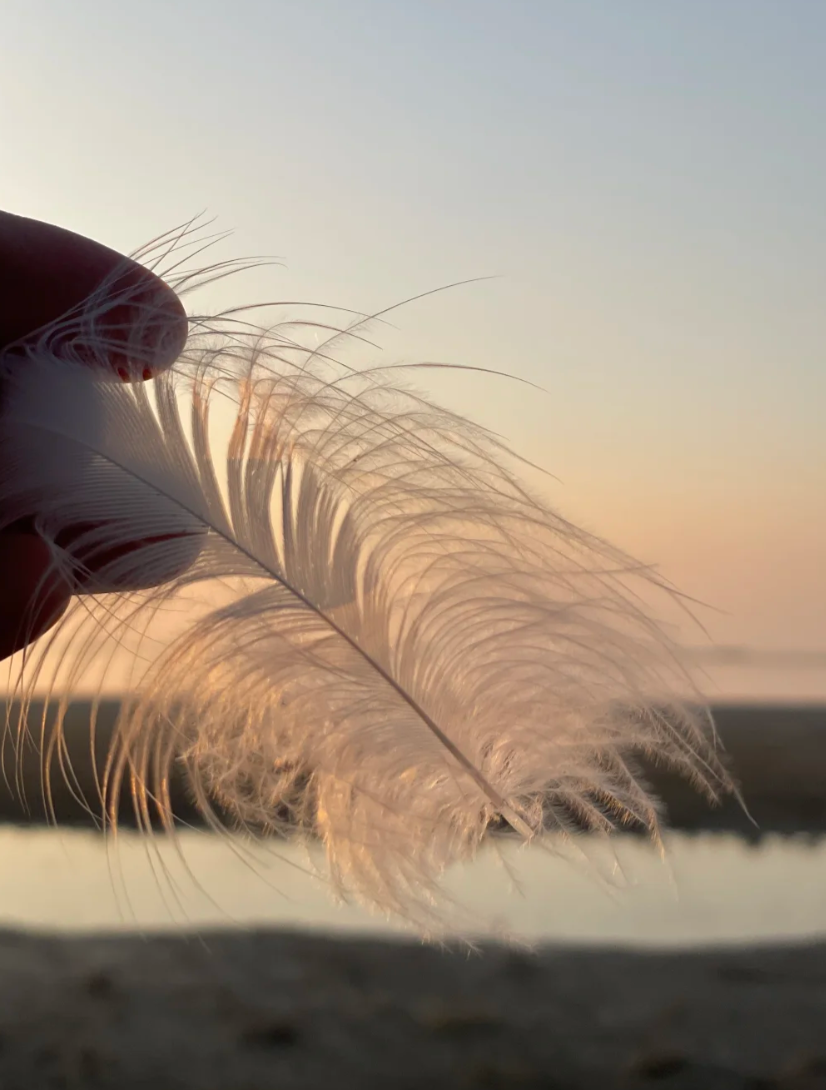
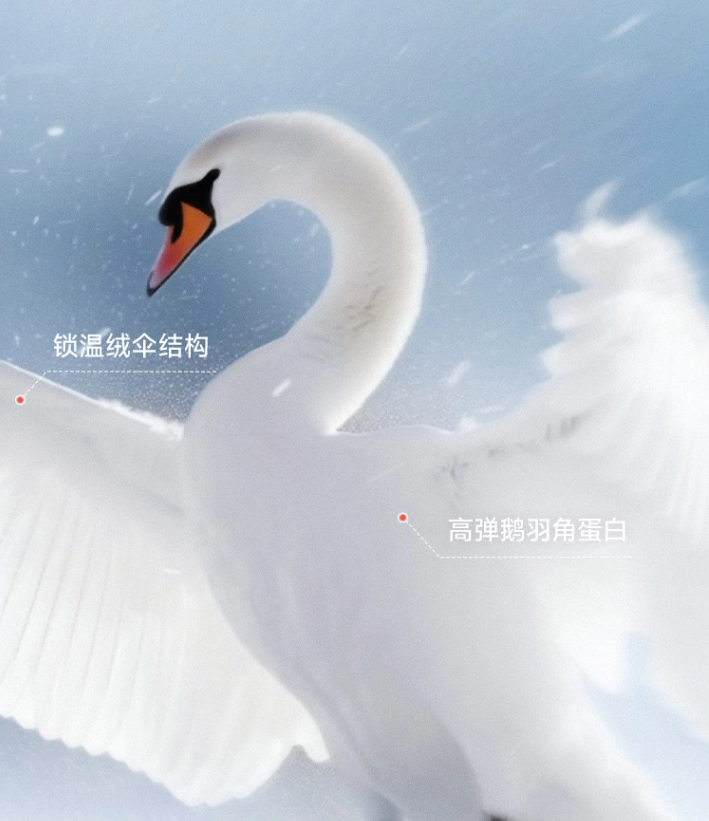
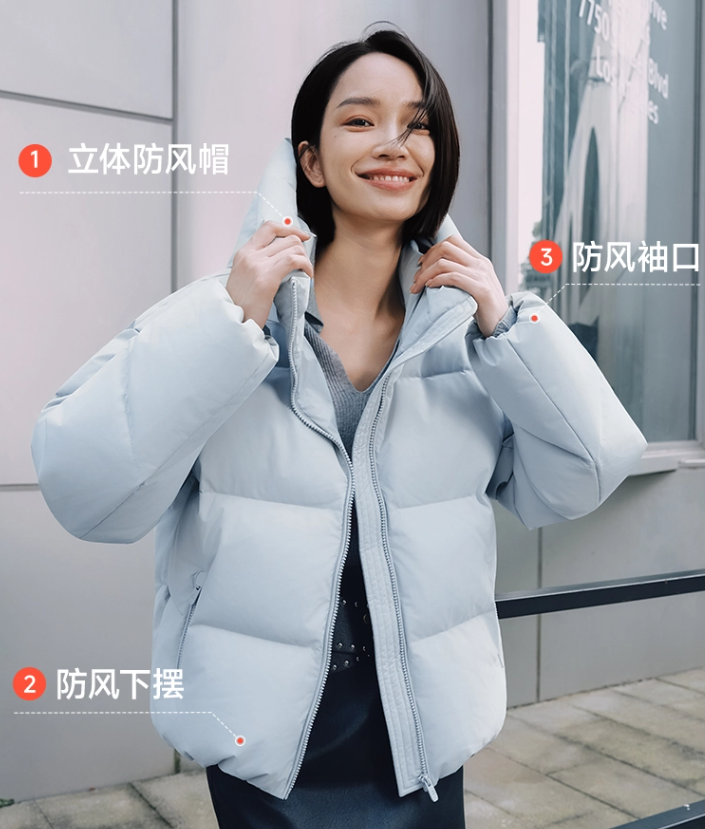
Referencing the advertising creativity of the video, use the provided down jacket image, and refer to the goose down image and swan image, pairing it with the following ad slogan: "This is a down feather, this is a warm swan, this is an extreme velvet down jacket you can wear, dress warmly in the new year, live a warm life", generate a new down jacket ad video.

Output Result

Ready

Case 4

Source Assets

Asset 1
IMG
VID

Generation Prompt

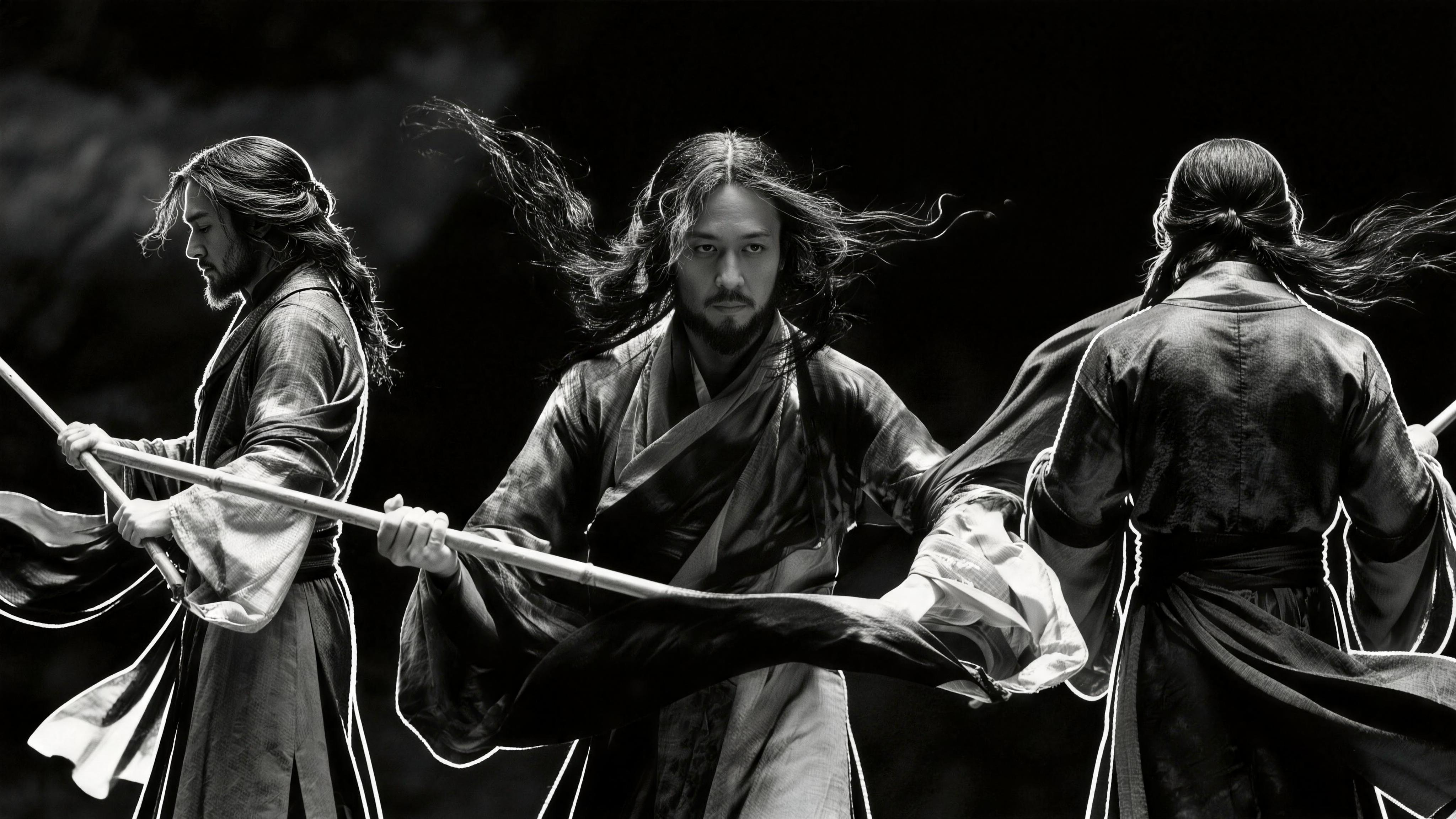
Black and white ink wash style, the character in @Image1 references the special effects and actions of @Video1, performing a segment of ink wash Tai Chi Kung Fu.

Output Result

Ready

Case 5

Source Assets

Asset 1
IMG
Asset 2
IMG
VID

Generation Prompt

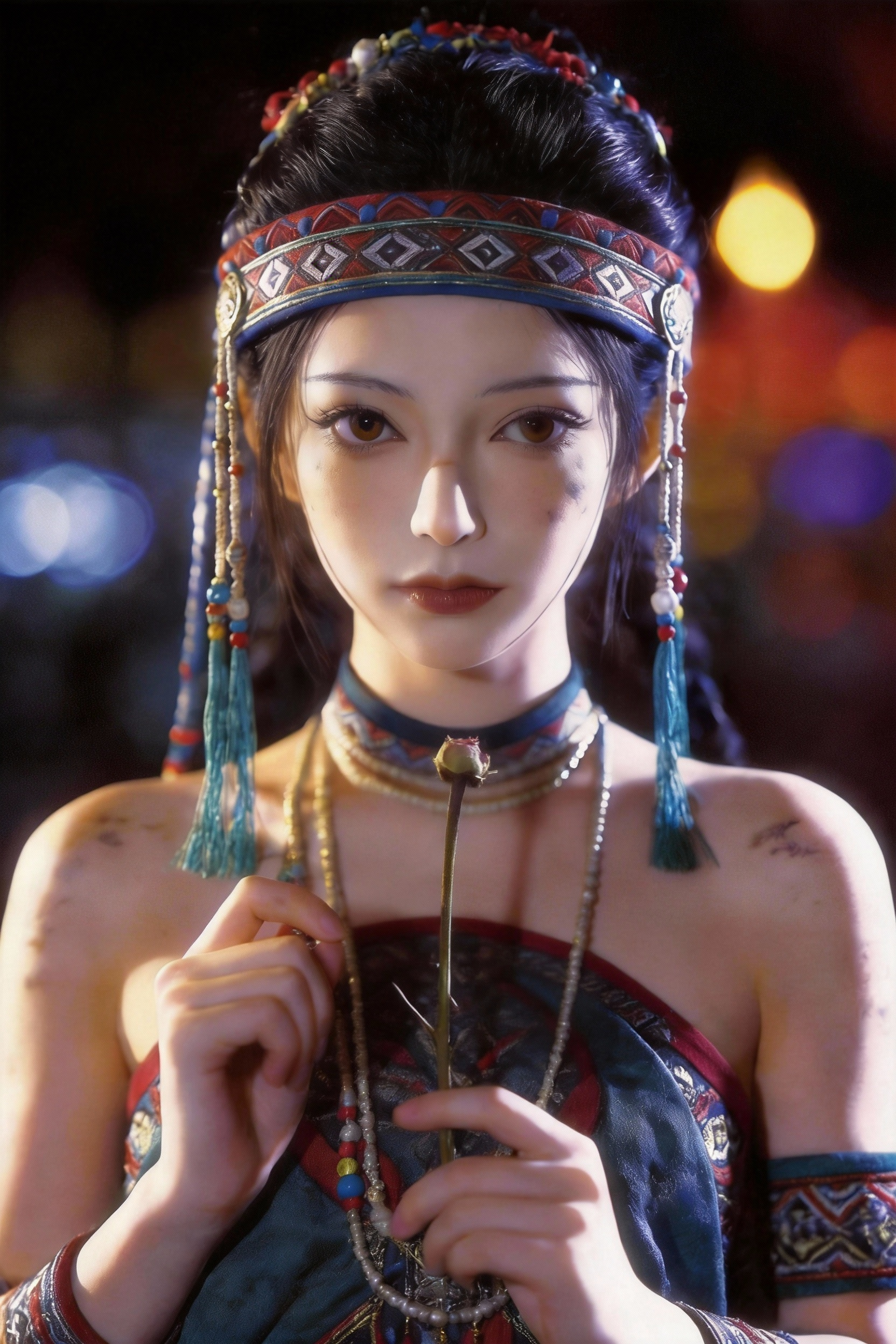
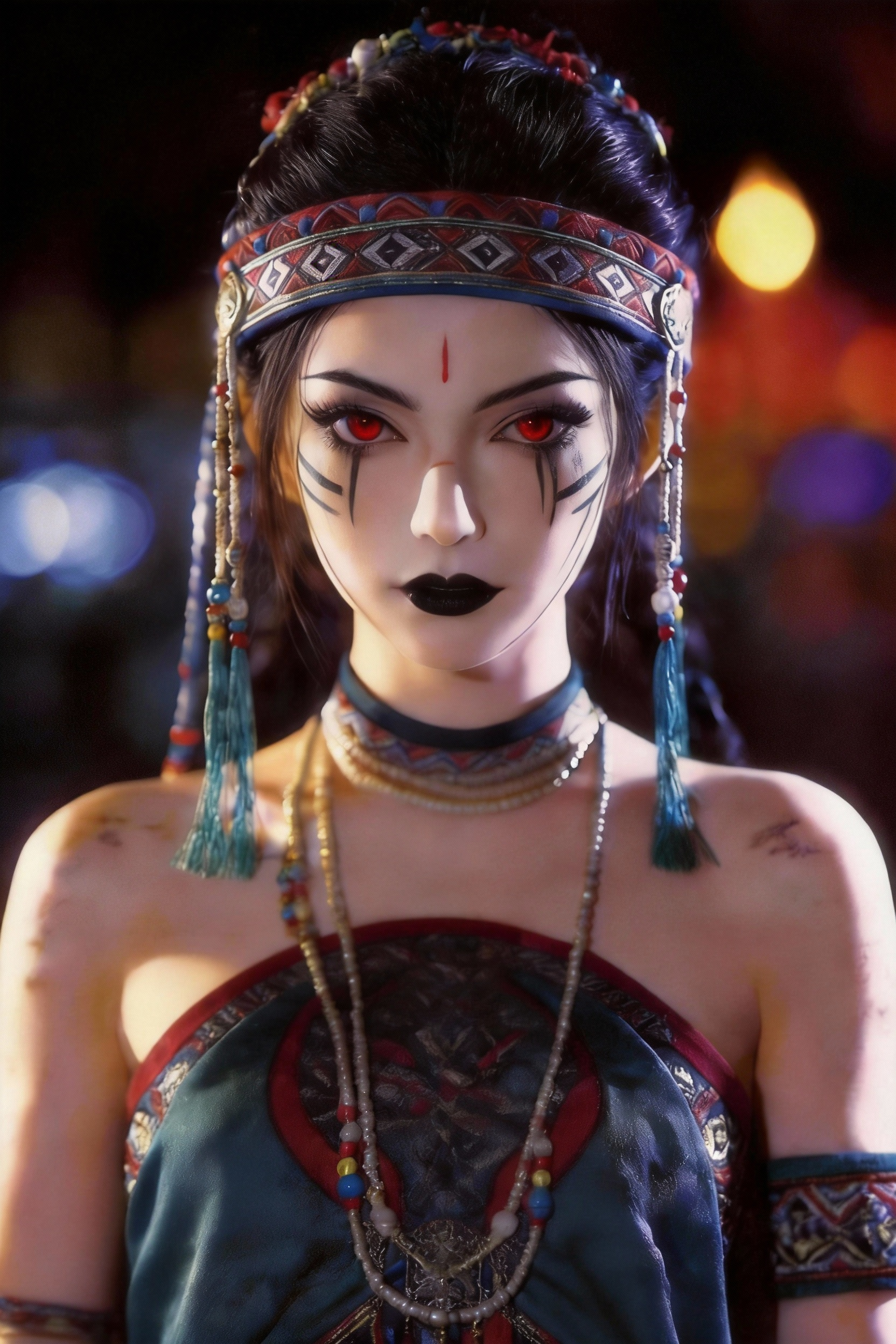
Replace the first frame character of @Video1 with @Image1, fully @reference the special effects and actions of Video 1. The flower stamen in hand grows rose petals, cracks extend upward on the face, gradually covered by weeds. The character sweeps their hands over the face, the weeds turn into particles and dissipate, finally changing into the appearance of @Image2.

Output Result

Ready

Case 6

Source Assets

Asset 1
IMG
Asset 2
IMG
VID

Generation Prompt

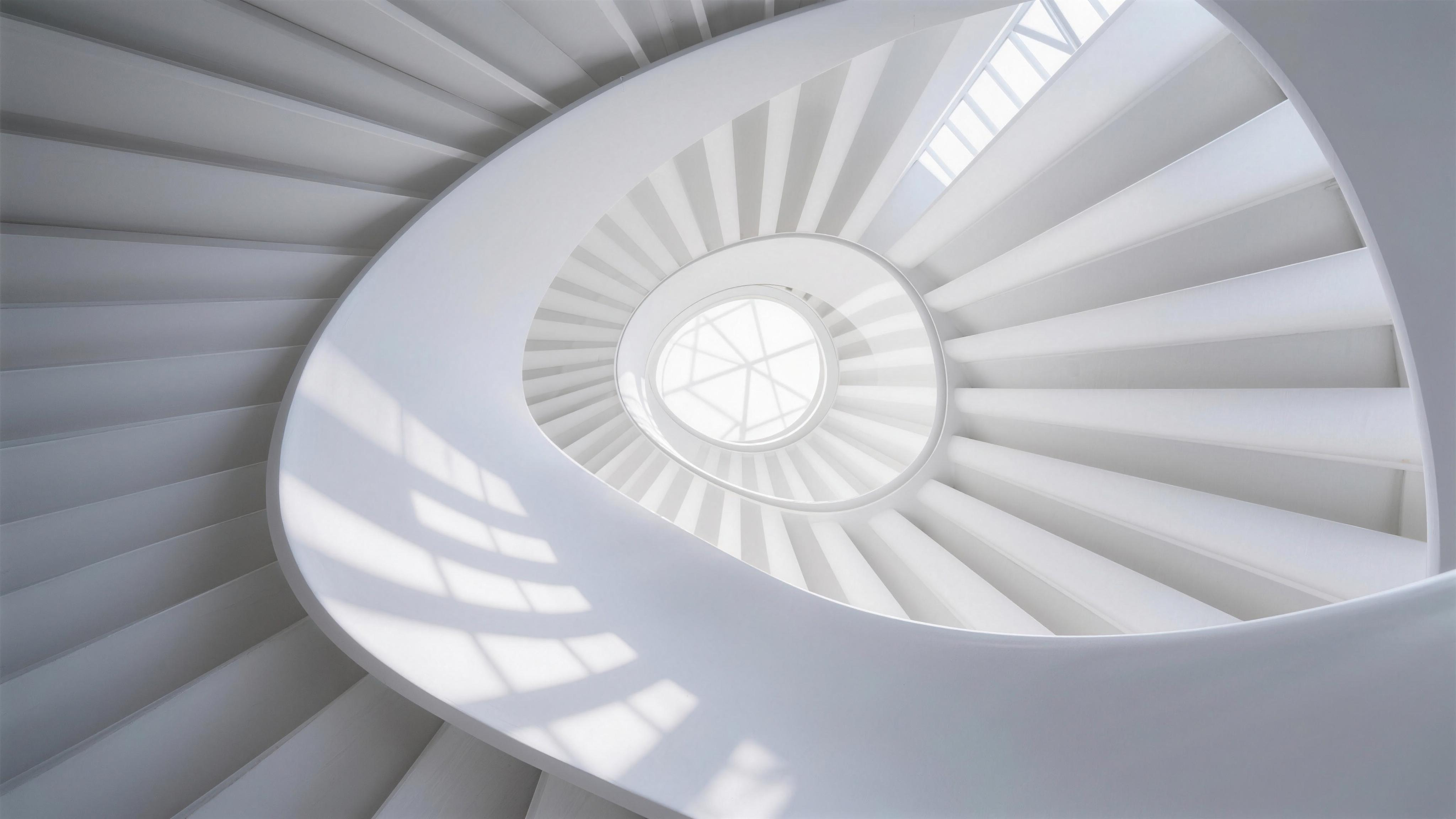
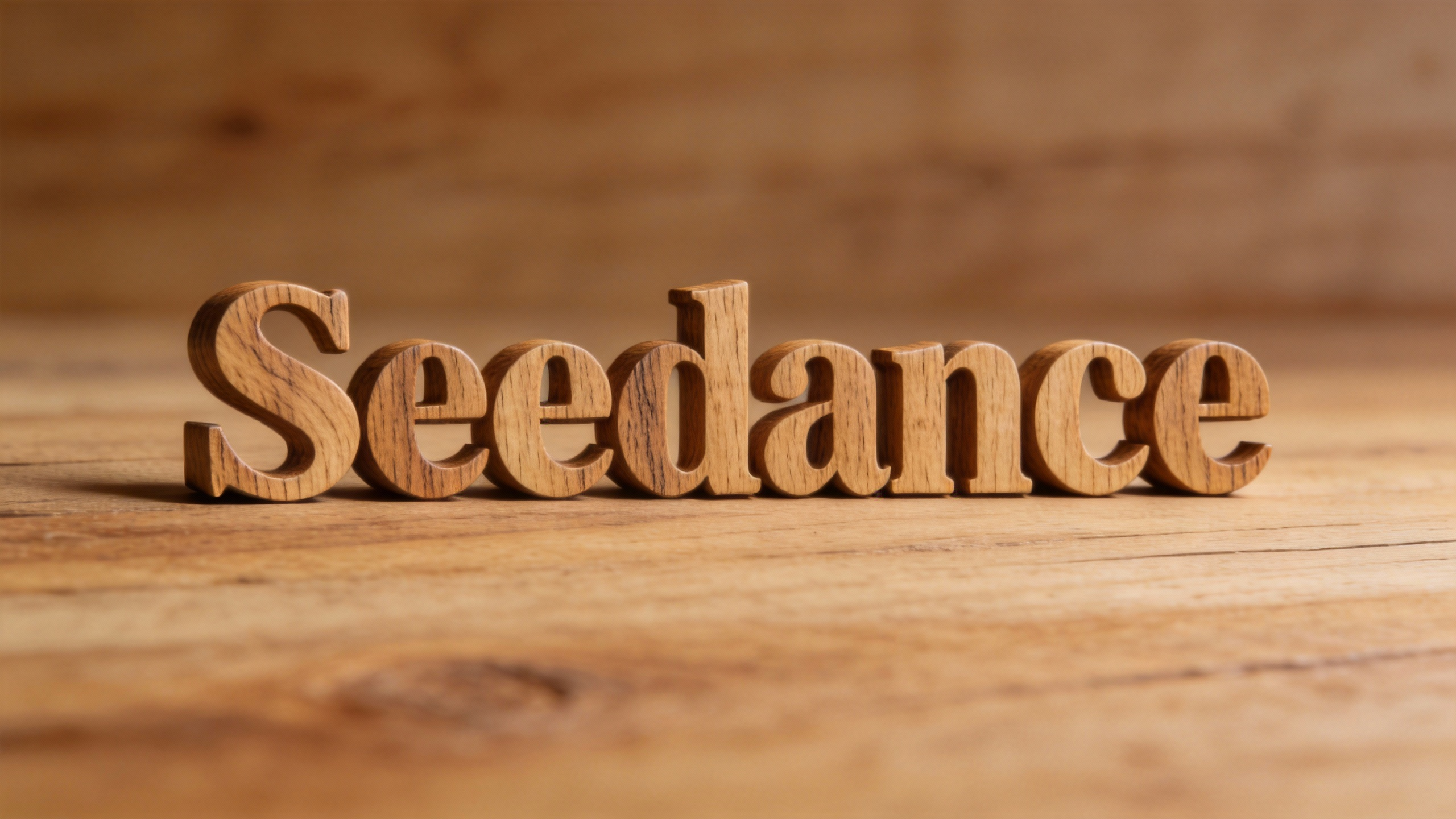
Starting from the ceiling of @Image1, reference the jigsaw puzzle shattering effect of @Video1 for a transition, replace the "BELIEVE" font with "Seedance", referencing the font of @Image2.

Output Result

Ready

Case 7

Source Assets

Asset 1
IMG
VID

Generation Prompt

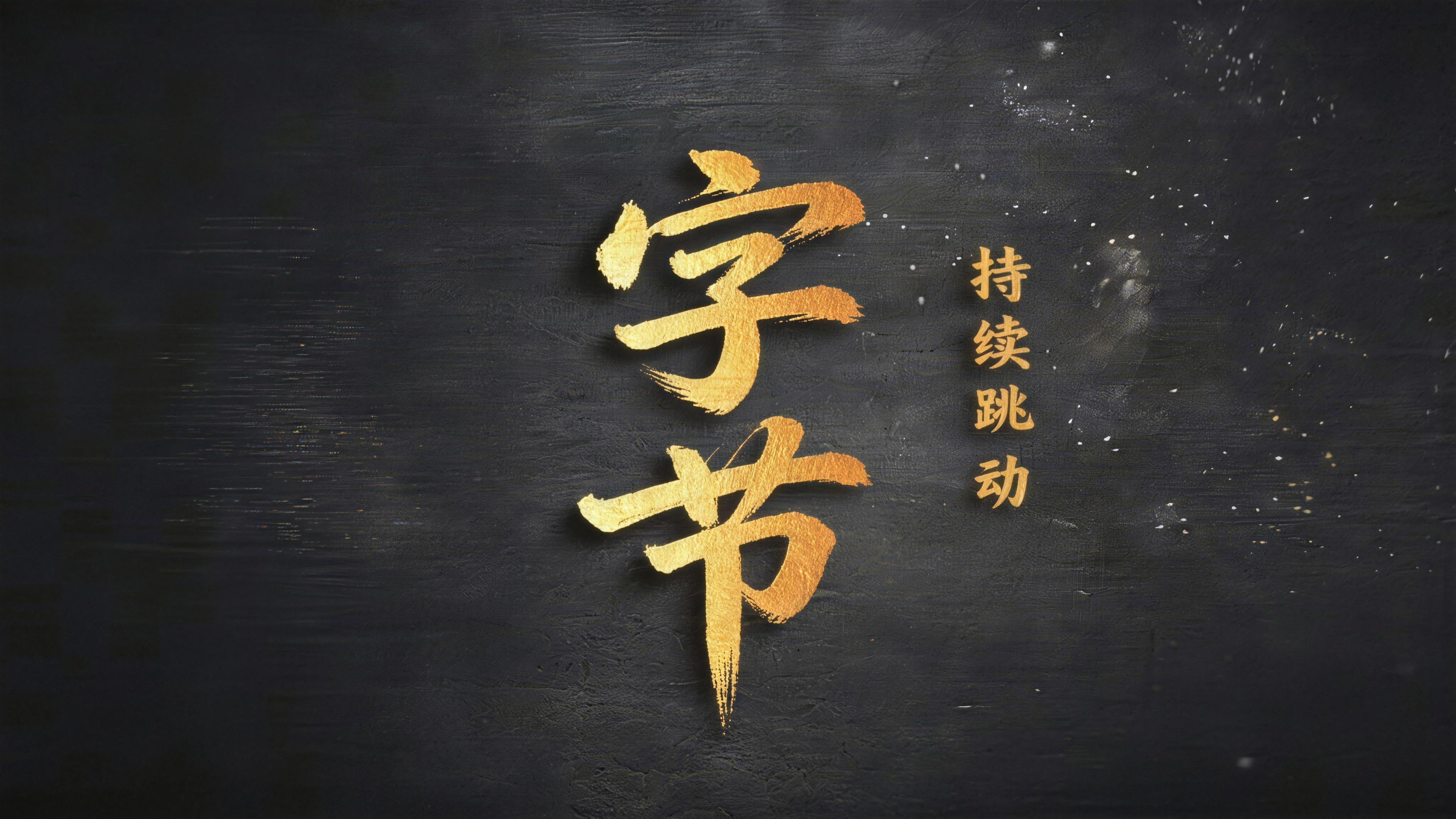
Open with a black screen, reference the particle effects and textures of Video1. Golden gilded sand gravel drifts out from the left side of the screen and covers to the right. Reference the blown-away particle effect in @Video1, and the font from @Image1 gradually appears in the center of the screen.

Output Result

Ready

Case 8

Source Assets

Asset 1
IMG
VID

Generation Prompt

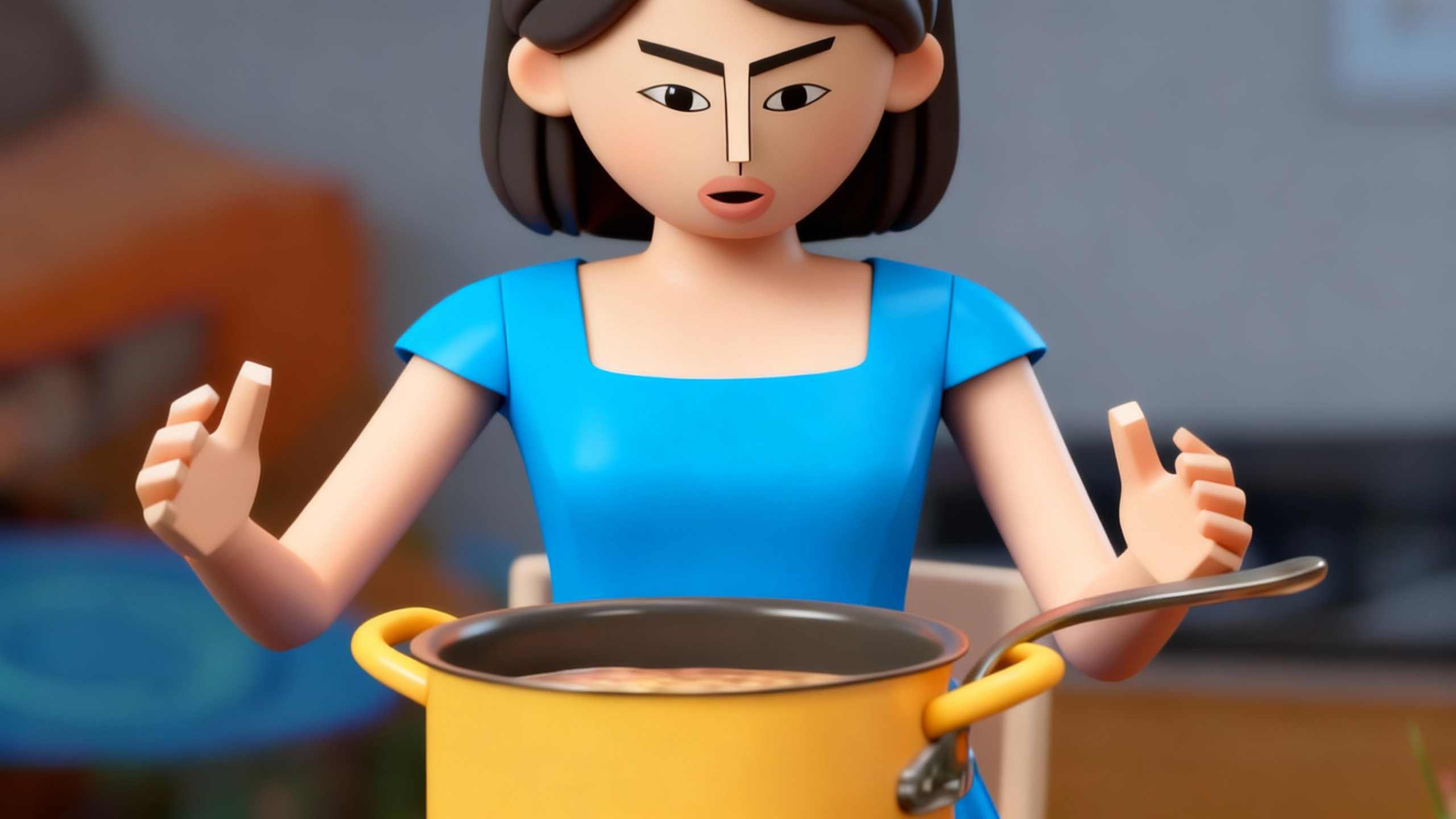
The character in @Image1 references the actions and expression changes in @Video1 to display the abstract behavior of eating instant noodles.

Output Result

Ready